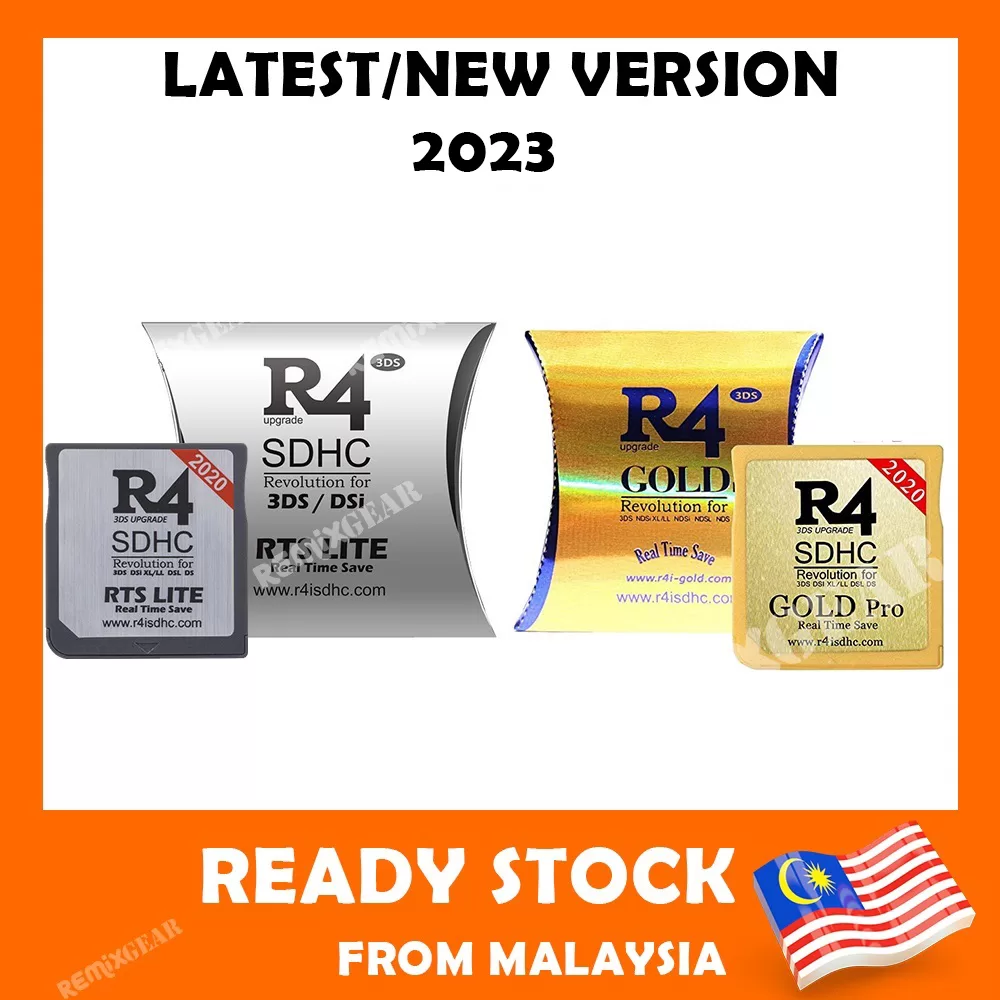
How to Get Started with R4i Gold Pro SDHC 3DS
Ready to run homebrew and classic DS games on your Nintendo handheld? This step-by-step guide walks you through everything you need to set up the R4i Gold Pro SDHC 3DS from scratch.
Read more
Latest articles
Ready to run homebrew and classic DS games on your Nintendo handheld? This step-by-step guide walks you through everything you need to set up the R4i Gold Pro SDHC 3DS from scratch.
Read more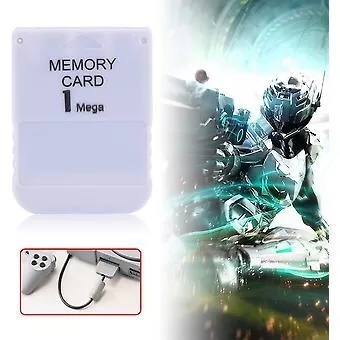
Experiencing issues with your High-Speed PS1 Memory Card? This troubleshooting guide walks through the most common problems and practical fixes to get your saves working again.
Read more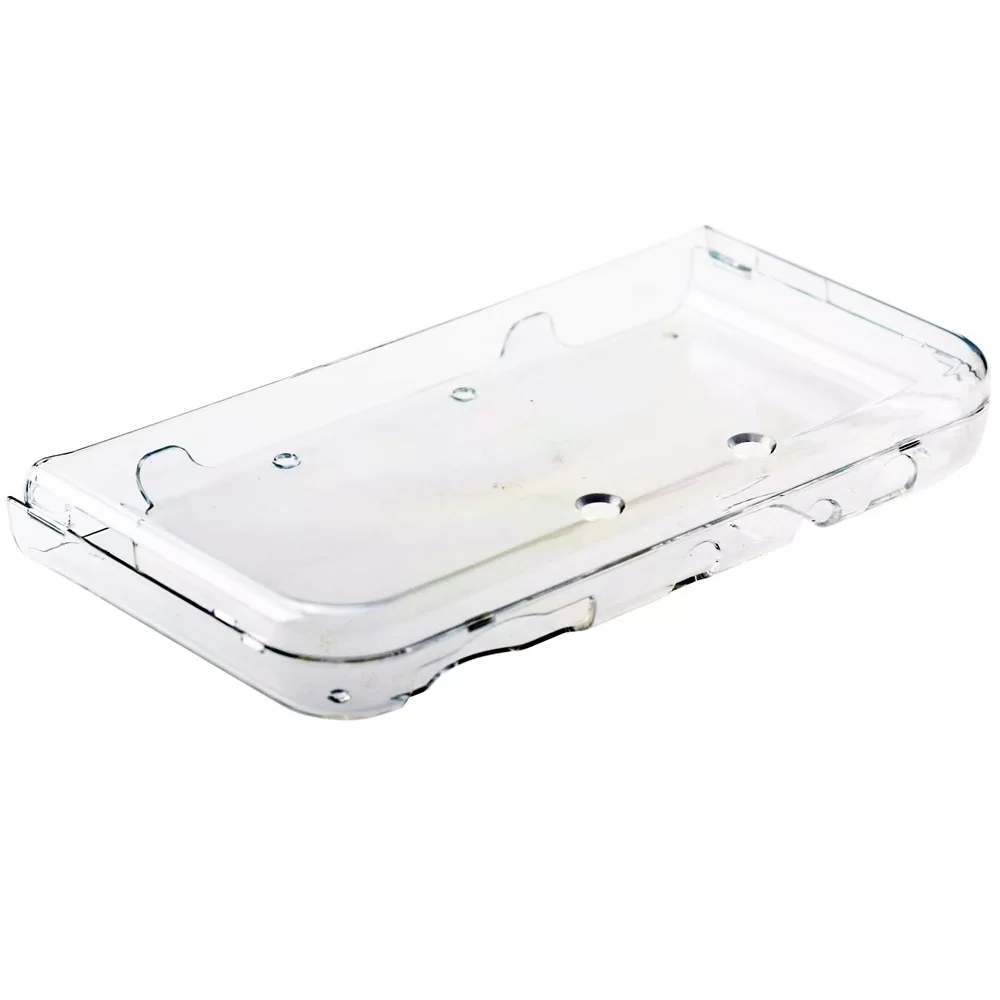
Get the most out of your Nintendo 3DS XL/LL new 3DS with these expert tips covering maintenance, protection, battery care, and system settings. Practical, actionable advice for every owner.
Read more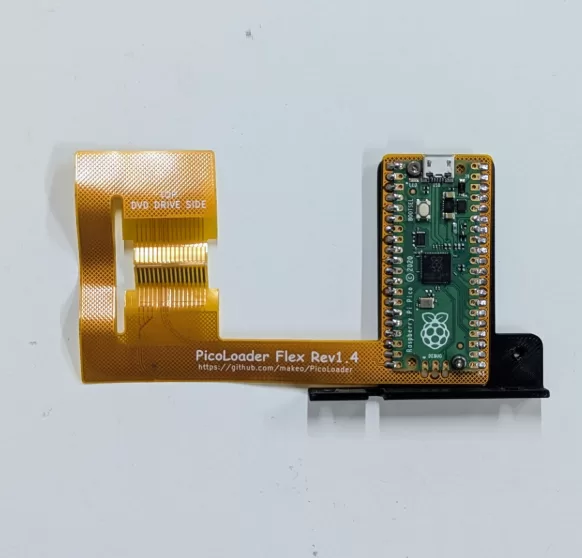
favorite. With PicoLoader pre-flashed, you can skip the flashing step at 7:43 in the video guide and dive straight into enhancing your gaming experience effortlessly.
Read moreExplore our comprehensive guide on installing the Hwfly mod for your Nintendo Switch, whether you have the v1, v2, Lite, or OLED model. Ensure you watch the full video tutorial before attempting the installation, and remember, proceed at your own risk.
Read moreExplore seamless gaming with the latest R4 download firmware for your Ace3ds and BlackOs devices. Whether it's Ace3ds Original, Wood, or Twilight, or the powerful DualCore, ensure your system runs smoothly and efficiently with our comprehensive firmware updates.
Read moreHigh-quality CD-Rs: Avoid "no-name" brands and opt for reputable manufacturers to ensure durability and performance. Reliable burning software: Choose tools that offer precise control over burning speeds and settings to prevent errors.
Read moreLearn how to install a custom PS1 BIOS with our detailed guide. With a pre-flashed BIOS chip, your hardest task is complete. Now, gather your tools—soldering iron, solder, and ample flux—and get ready to unlock powerful features like region-free booting and enhanced compatibility.
Read moreTo set up your Wii U, connect the HDMI cable to both the console and TV, plug in the power adapter, and press the Power button. Ensure the correct HDMI channel is selected on your TV if the display doesn't appear.
Read more
Pad. This guide explores step-by-step instructions to transform your Wii U GamePad into a portable gaming device, compatible with both Steam and various emulators.
Read more